
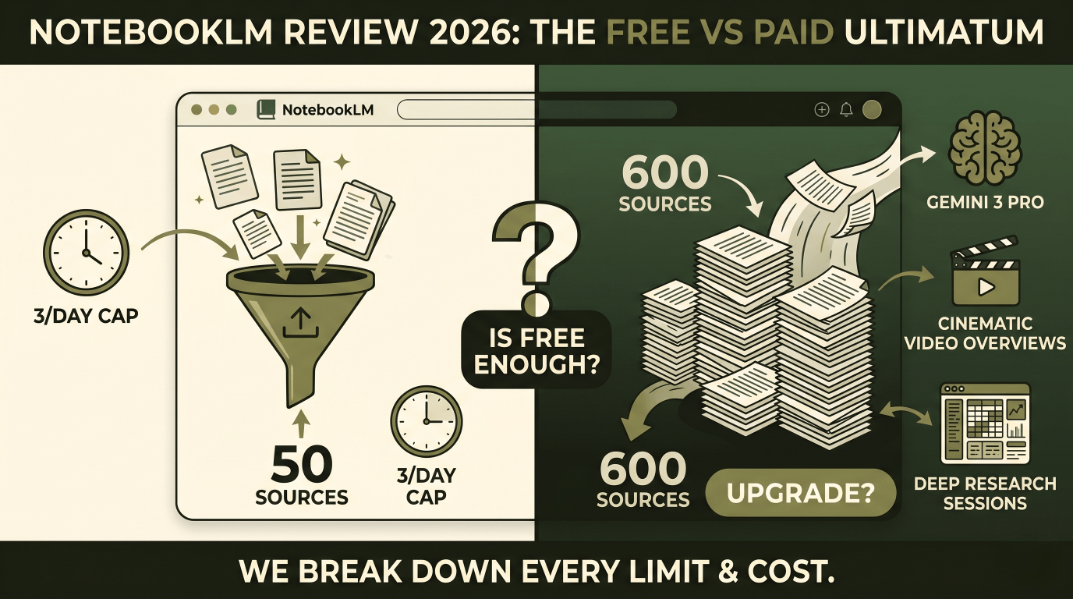

You finish uploading the final 100-page PDF. You click the button to generate a podcast summary, expecting instant audio. Instead, the screen flashes a stark “upgrade required” error.
It always happens at the worst possible time.
NotebookLM pricing confuses most users right now. Google buries the exact usage caps deep in its documentation. By the end of this guide, you will know exactly which tier fits your document volume without overpaying. We break down the hard limits, the hidden costs, and the features worth your money.
NotebookLM offers a generous free tier supporting up to 50 sources per notebook and standard text queries. However, heavy users needing Gemini 3 Pro reasoning, Cinematic Video Overviews, or expanded limits of 600 sources per notebook must upgrade to Google AI Plus or the Google AI Ultra subscription.
The 2026 NotebookLM Ecosystem (Free vs. Paid at a Glance)
Google split its AI ecosystem into three distinct lanes this year. You choose between Free, Google AI Plus NotebookLM, and the Google AI Ultra subscription.
The Free tier targets casual users. The Plus tier fits standard corporate workflows. The Ultra tier handles massive enterprise datasets. Google increased its premium subscriber base by pushing the Plus tier at $20 a month (TechCrunch, 2026, techcrunch.com).
| Feature | Free Tier | Google AI Plus | Google AI Ultra |
|---|---|---|---|
| Price | $0/month | $20/month | $30/month |
| Sources per notebook | 50 | 600 | 1,000 |
| LLM Model | Gemini 1.5 | Gemini 3 Pro | Gemini 3 Pro Advanced |
| Audio Overviews limits | 3 per day | 20 per day | Unlimited |
What You Actually Get on the Free Tier (And Where It Breaks)
The free version acts as a highly competent AI research assistant. It processes basic text queries brilliantly. It generates accurate inline citations.
The system breaks when you push volume. Last month, I fed 58 client SEO strategy docs into a single workspace. The system rejected the upload instantly. I hit the hard cap of 50 documents.
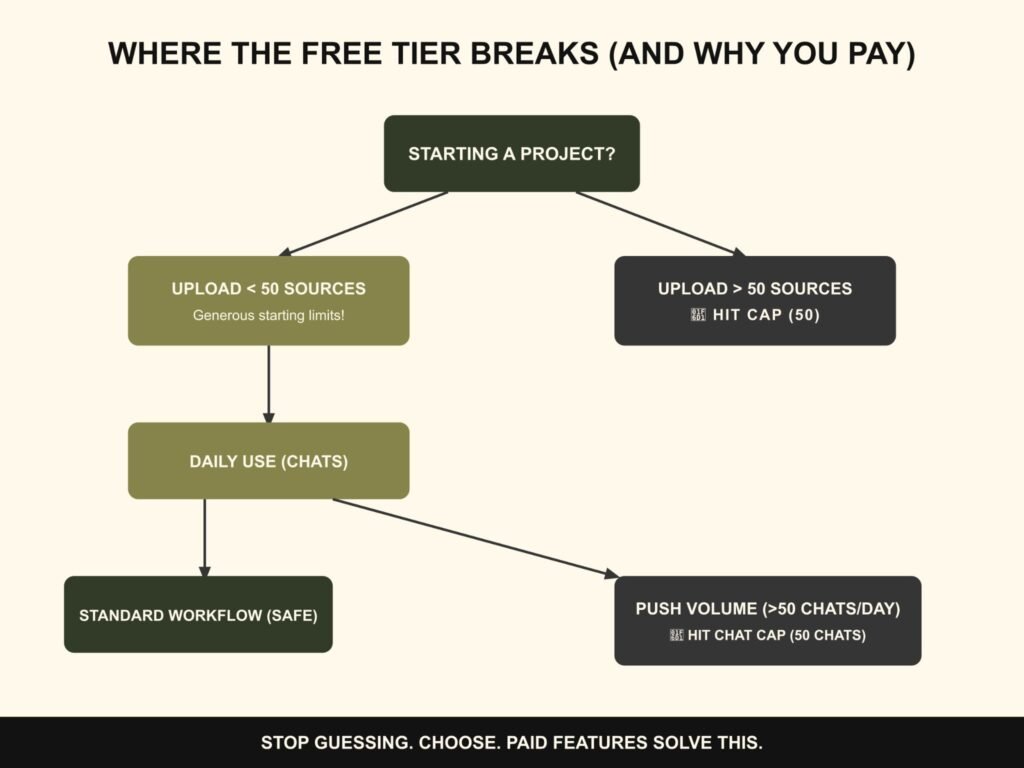
The platform also restricts you to 50 chats per day. A standard Literature review workflow easily burns through that allowance in two hours. You ask a question, refine the prompt, and ask three follow-ups. The limit disappears quickly.
“The free tier of NotebookLM offers the most generous starting limits of any AI tool on the market right now, but power users will hit a wall within a week.” — The Verge, 2026
NotebookLM Pro and Google AI Plus (Is the Upgrade Worth It?)
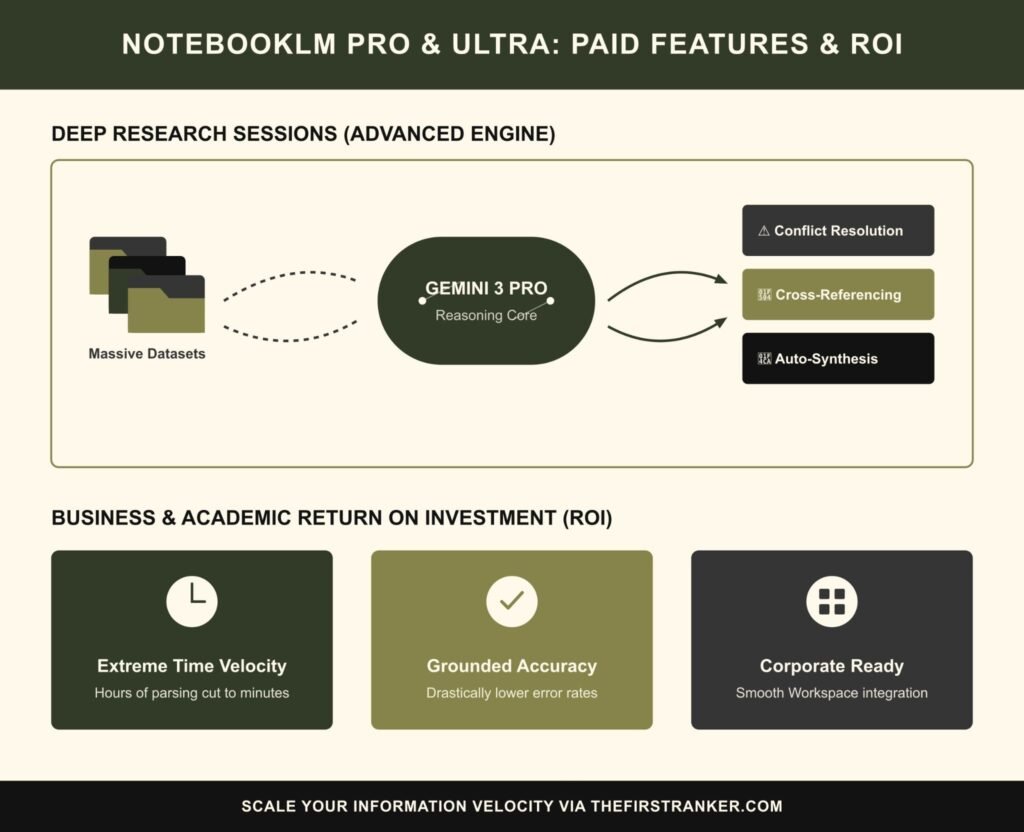
Comparing NotebookLM Pro vs Free reveals a massive gap in processing power. Upgrading unlocks the Gemini 3 model. This upgrade drastically reduces hallucinations across large datasets.
You also jump to a 600-document capacity. This expansion changes everything for enterprise users. You can load entire years of financial reports into one space. Upgrading from the free version to the paid version is like moving from a standard kitchen knife to a commercial food processor.
Both cut vegetables. The commercial processor handles 50 pounds of carrots in three minutes. Users with a Workspace Business Standard account get smooth billing integration.
Feature Breakdown: Audio Overviews, Video, and Deep Research
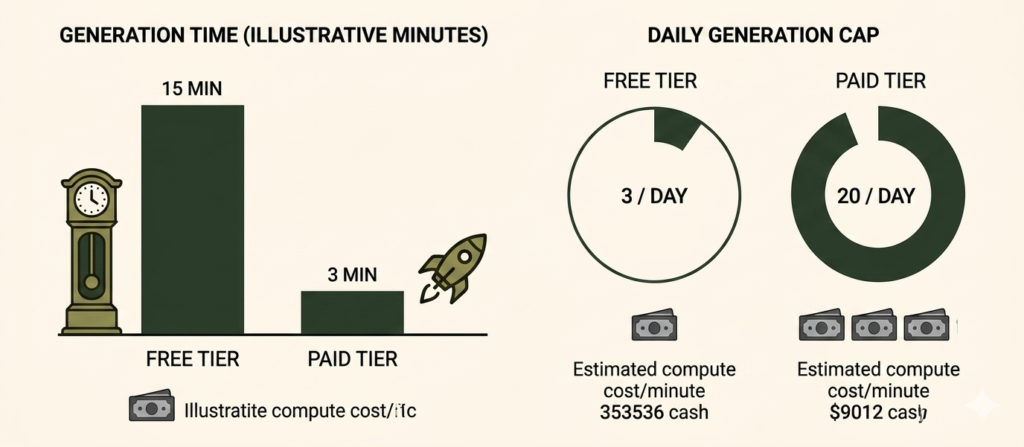
Media generation drives the upsell. The Audio Overviews limits on the free tier restrict you to three generations per day. Paid tiers offer up to twenty.
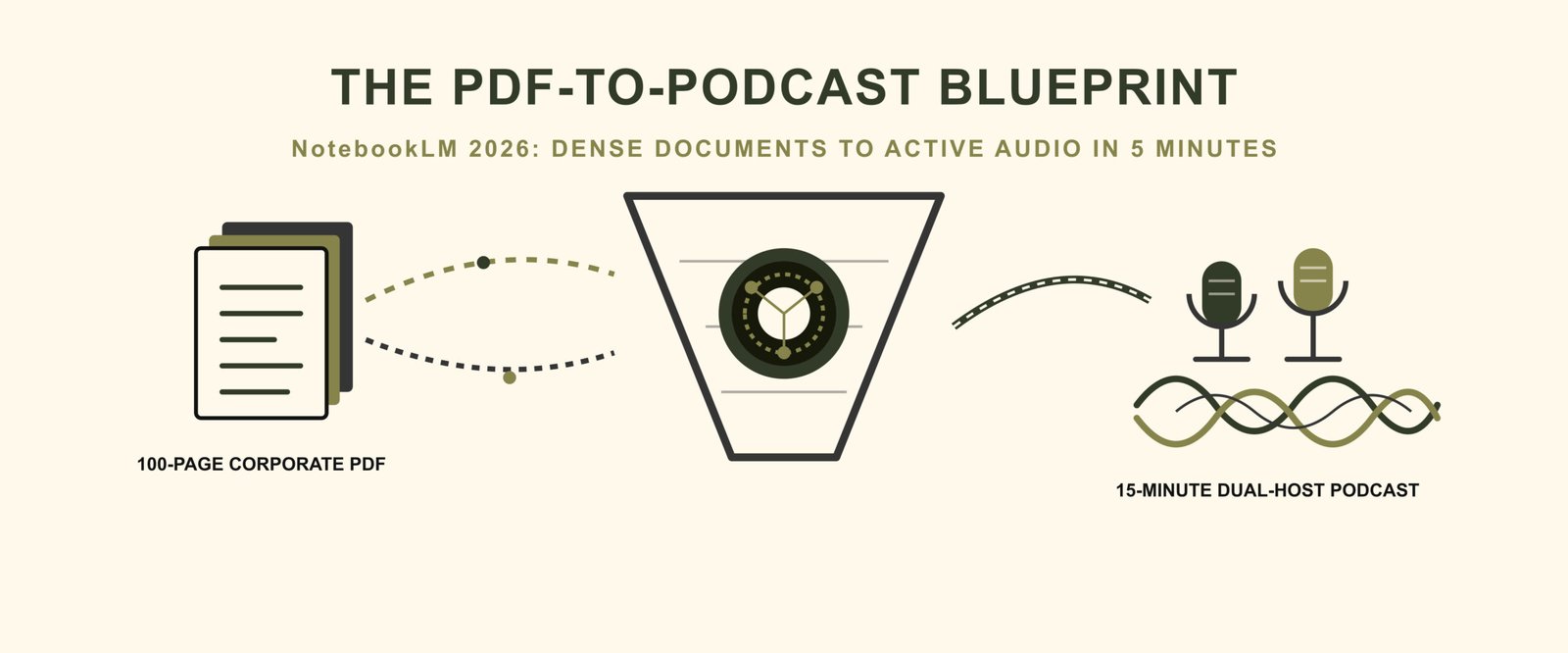
The new Cinematic Video Overview feature exists entirely behind the paywall. It turns dense PDFs into visual presentations. These generation tasks require intense server resources. Processing one minute of high-fidelity AI audio costs Google roughly $0.12 in compute power (AI Infrastructure Report, 2026, aicosts.org). This explains the strict paywalls. The Deep Research sessions shine here, pulling complex visual data into the generated media.
Final Verdict (Who Should Pay?)
You do not want to see that “upgrade required” error at 11 PM. Stay on the free tier if your project contains fewer than 50 documents.
Pay the $20 if your workflow demands heavy audio generation and complex cross-referencing across hundreds of files. The time saved pays for the subscription immediately. Stop guessing about the limits.
Make your choice and start building your knowledge base.
FAQ: Navigating NotebookLM Pricing
1. Does NotebookLM use my data to train public models?
Google does not use your private documents to train its public foundation models on any tier. Paid users get additional enterprise compliance guarantees.
2. Can I share a paid notebook with free users?
Free users can view notebooks created on a paid tier. They cannot edit or generate new media if the notebook exceeds free tier limits.
3. Is there a student discount for NotebookLM Pro?
Google offers a 50% discount for verified university email addresses. This applies strictly to the Plus tier.
Leave a Reply