
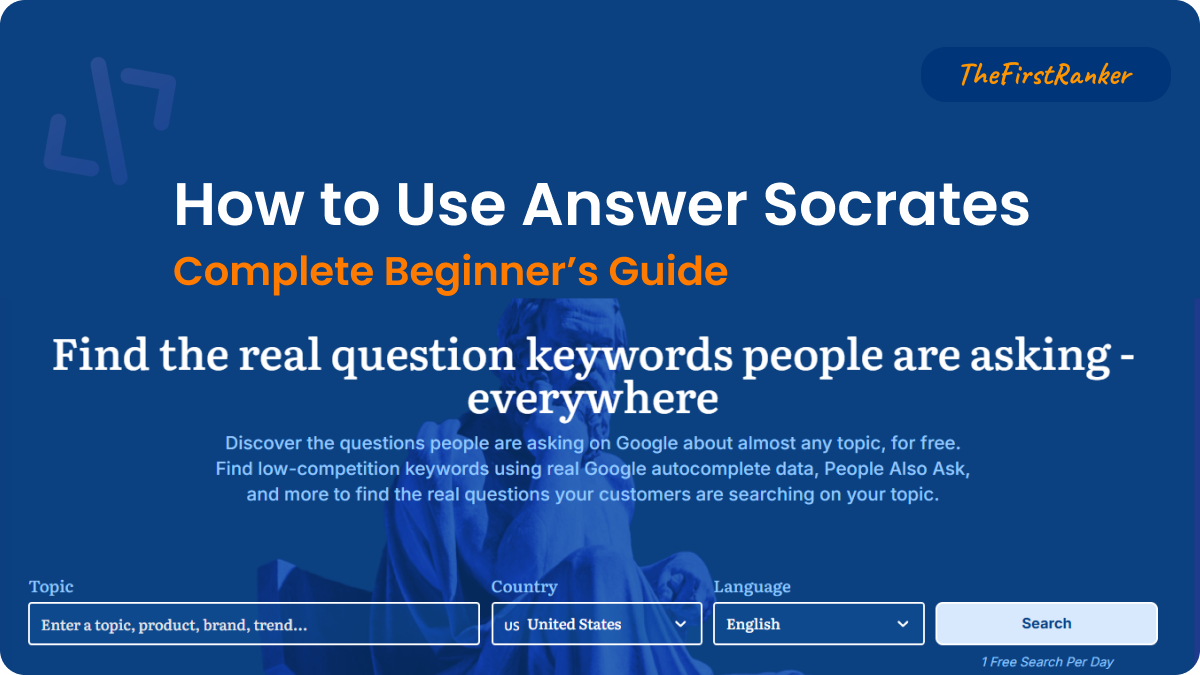
This tutorial on how to use Answer Socrates takes you from first search to a finished content plan in under 30 minutes. Every feature explained with practical examples — no prior SEO knowledge needed.
What Is Answer Socrates? A Guide on How to Use Answer Socrates
Learning how to use Answer Socrates starts here: it’s a free keyword research tool that shows you what real people are searching for on Google. Enter any topic, and it generates 1,000+ keyword suggestions pulled from Google Autocomplete, People Also Ask, and Google Trends — then lets you cluster those keywords into content topics automatically.
Unlike Semrush ($139.95/mo) or Ahrefs ($129/mo), Answer Socrates gives you keyword clustering, CSV exports, and recursive search on a completely free plan. No credit card, no time-limited trial. Over 100,000 users across 190+ countries use it for content planning, blog topic discovery, and SEO research.
Zero Learning Curve
Type a keyword, press search. Results appear in seconds. No configuration or setup needed.
Genuinely Free
3-5 searches/day, 1,500 clustering credits/month, CSV exports — all free. Not a limited trial.
190+ Countries
Search keywords for any market. Select country and language to get localized results.
Getting Started: How to Use Answer Socrates With Zero Setup
You Have Two Options
Option A — No account: Go to answersocrates.com and run your first search immediately. You get 1 search per day without signing up. Good for a quick test.
Option B — Free account (recommended): Click “Create Your Free Account” on the homepage. Enter your email — no credit card needed. This unlocks 3-5 daily searches, recursive search, clustering credits, and CSV exports. Takes 30 seconds.
Pro tip: Create the free account before starting this tutorial. You’ll need clustering credits and CSV exports to follow along with the full workflow.
Feature 1: Keyword Generation
When learning how to use Answer Socrates, you start with this core tool — the first thing you see. It takes a single seed keyword and explodes it into 1,000+ related keywords and questions.
Running Your First Keyword Search
Understanding Your Results
The keyword generator organizes suggestions into several categories:
Questions
Who, what, where, when, why, how — real questions people type into Google. Gold for blog post headings.
Prepositions
Keywords with “for”, “with”, “without”, “near” — revealing specific use cases and contexts.
Comparisons
“vs”, “or”, “like”, “alternative” — perfect for comparison and alternative posts.
You’ll also see A-Z alphabetical variations — the tool appends every letter of the alphabet to your seed keyword to surface hidden long-tail gems. Plus, a Google Trends mini-chart shows whether interest in your topic is rising or declining.
Exporting Your Keywords
Click the “Download CSV” button to export all generated keywords to a spreadsheet. The free plan includes 1 CSV download per day. The export includes the keyword text, search category, and (on paid plans) metrics like search volume and CPC.
Daily limit reminder: Free accounts get 3-5 keyword generation searches per day. Plan your seeds wisely — start with your broadest, most important topics first.
Feature 2: Recursive Search
Recursive search is Answer Socrates’ most unique feature — no other keyword tool offers this. It takes your initial search results and performs additional searches on the most popular questions, uncovering second-level and third-level keywords that regular tools completely miss.
Discovering Hidden Keyword Layers
Why this matters: If someone searches “sourdough starter” and then searches “why is my sourdough starter not rising,” that follow-up query is a content opportunity competitors miss. Recursive search surfaces exactly these hidden pathways. You get 1 recursive search per day on the free plan.
Feature 3: Keyword Clustering
Keyword clustering takes hundreds of raw keywords and automatically groups them into topical clusters using machine learning. This tells you which keywords belong on the same page and which need separate content.
This feature alone would cost you $29-139/month on other platforms. For a full guide on how to use clustering in your keyword research workflow, see our step-by-step keyword research guide. Answer Socrates includes 1,500 clustering credits per month free.
Clustering Your Keywords Into Content Topics
Accuracy note: The ML clustering is approximately 85% accurate based on independent testing. Always review the clusters manually before writing content — occasionally unrelated keywords get grouped together. The 15% that need manual adjustment is still vastly faster than clustering by hand.
Feature 4: PAA Extractor
The PAA (People Also Ask) Extractor pulls the actual questions Google displays in the “People Also Ask” boxes on search results pages. These are the exact questions Google considers most relevant to a query — perfect for FAQ sections, blog subheadings, and featured snippet targeting.
Extracting People Also Ask Questions
Content hack: Take 5-8 PAA questions and use them as H2/H3 headings in your blog posts. Then answer each concisely in 40-60 words directly below the heading. This structure is optimized for both Google featured snippets and AI Overview citations — pages with FAQ sections earn nearly 2× more AI citations according to GEO research.
Feature 5: LLM Brand Tracker
This is Answer Socrates’ newest feature — it monitors how AI chatbots mention your brand across ChatGPT, Perplexity, Gemini, Claude, DeepSeek, and Grok. As AI-driven search grows (AI traffic increased 527% year-over-year through mid-2025), knowing whether your brand appears in AI responses becomes critical.
Tracking Your Brand Across AI Engines
Free accounts get access to 2 AI models. Paid plans unlock all 6+ AI engines. This feature is particularly valuable for businesses that want to ensure they appear when potential customers ask AI assistants for recommendations.
The 30-Minute Content Plan Workflow
Here’s the exact process on how to use Answer Socrates to go from zero to a complete content plan on its free plan:
3 seed keywords
1 deep dive
Download CSV
Group by intent
Extract questions
Content calendar
Generate & Export
Run 3 keyword searches on your broadest seed topics. Each generates 1,000+ suggestions. Export all three to CSV. You now have 3,000+ raw keyword ideas.
Use your 1 recursive search on the most important seed. This adds 100-150 deeper keywords to your pool.
Cluster & Organize
Combine your CSVs into a single keyword list. Remove obvious duplicates. Paste into the Keyword Clustering tool. Run the clustering — this takes ~60 seconds.
Review the clusters. Each one represents a potential blog post or page. A typical clustering of 1,000 keywords produces 15-25 distinct content topics.
Prioritize & Plan
For each cluster, identify the highest-volume keyword as your primary target. Run PAA extraction on your top 2-3 clusters to gather question-based subheadings.
Rank clusters by: relevance to your audience (highest priority), estimated competition (lower = better for new sites), and search volume. You now have a prioritized content calendar.
Power User Tips
Start Broad, Then Narrow
Use your first search on a broad niche term (“fitness”). Then use the recursive search to find specific sub-topics (“resistance band exercises for seniors”). The broad search maps your territory; the recursive search finds the gaps.
Cluster Before You Pitch
When pitching content to clients, cluster their target keywords first. Present organized topic groups instead of raw keyword lists. Clients see the strategic value immediately — and you stand out from other freelancers.
Mine the Comparisons
The “vs” and “alternative” categories in keyword generation reveal what people compare your industry’s products against. Use these for comparison blog posts that capture commercial-intent traffic.
Chain Recursive Searches
Over 5 days, run recursive searches on related-but-different seeds. By Friday, you’ve mapped an entire topic cluster with second and third-level keywords no competitor has discovered.
Free Plan Limits & When to Upgrade
| Feature | Free Plan | Lite ($9/mo) | Seneca ($29/mo) | Aurelius ($49/mo) |
|---|---|---|---|---|
| Keyword Searches | 3-5/day | 100/mo | 500/mo | Unlimited |
| Recursive Searches | 1/day | 30/mo | 100/mo | 500/mo |
| Clustering Credits | 1,500/mo | 3,000/mo | 12,000/mo | 40,000/mo |
| CSV Downloads | 1/day | Unlimited | Unlimited | Unlimited |
| SEO Metrics in UI | Via CSV only | ✓ | ✓ | ✓ |
| LLM Brand Tracker | 2 AI models | All models | All models | All models |
Stay on Free if you publish 1-4 blog posts per month and do keyword research occasionally. The free plan gives you more than most competitors’ paid plans.
Upgrade to Lite ($9/mo) when you consistently hit daily limits or want search volume and CPC visible directly in the interface without exporting.
For a detailed comparison of every plan, including an ROI analysis and cost-per-keyword breakdown (see Is Answer Socrates Worth It?), see our Answer Socrates Pricing Breakdown.
FAQs: How to Use Answer Socrates
No. You can run 1 search per day without any account. Creating a free account (email only, no credit card) unlocks 3-5 daily searches, recursive search, clustering, and CSV exports.
Approximately 85% based on independent testing. The ML engine is fast and mostly correct, but always review clusters manually. About 15% of groupings need human adjustment — still vastly faster than clustering by hand.
Yes. The tool supports multiple languages and 190+ countries. Select your target country and language from the dropdown menus before searching.
On the free plan, search volume and CPC data are included in CSV exports but not visible in the UI. Paid plans ($9/mo+) display metrics directly in the interface.
Answer Socrates generates 1,000+ keywords per search (vs ~50-100 on ATP), offers free keyword clustering (ATP has none), includes recursive search (exclusive feature), and provides CSV exports on the free plan (ATP charges $99/mo for exports). For the full comparison, see AnswerSocrates vs AnswerThePublic.
Yes. Your searches and clusters are private to your account and are not shared with other users or visible publicly.
Start Using Answer Socrates Now: Final Tips on How to Use Answer Socrates
You don’t need to read another article, buy another course, or sign up for another expensive tool. Open Answer Socrates, enter your first keyword, and watch 1,000+ content opportunities appear in seconds. Everything in this tutorial works on the free plan.
The best keyword research tool is the one you actually use — and Answer Socrates removes every barrier to getting started.
Leave a Reply